
2026
AI Brand Kit
Partnering with TikTok Life Services to help an AI agent generate on-brand H5 pages and header images.
TIMELINE
2026 June - August
TEAM
1 Product Manager, 3 Developers, 3 Operations
ROLE
AI Product Design Intern @TikTok
SKILLS
Agent Design, Prompt Engineering
OVERVIEW
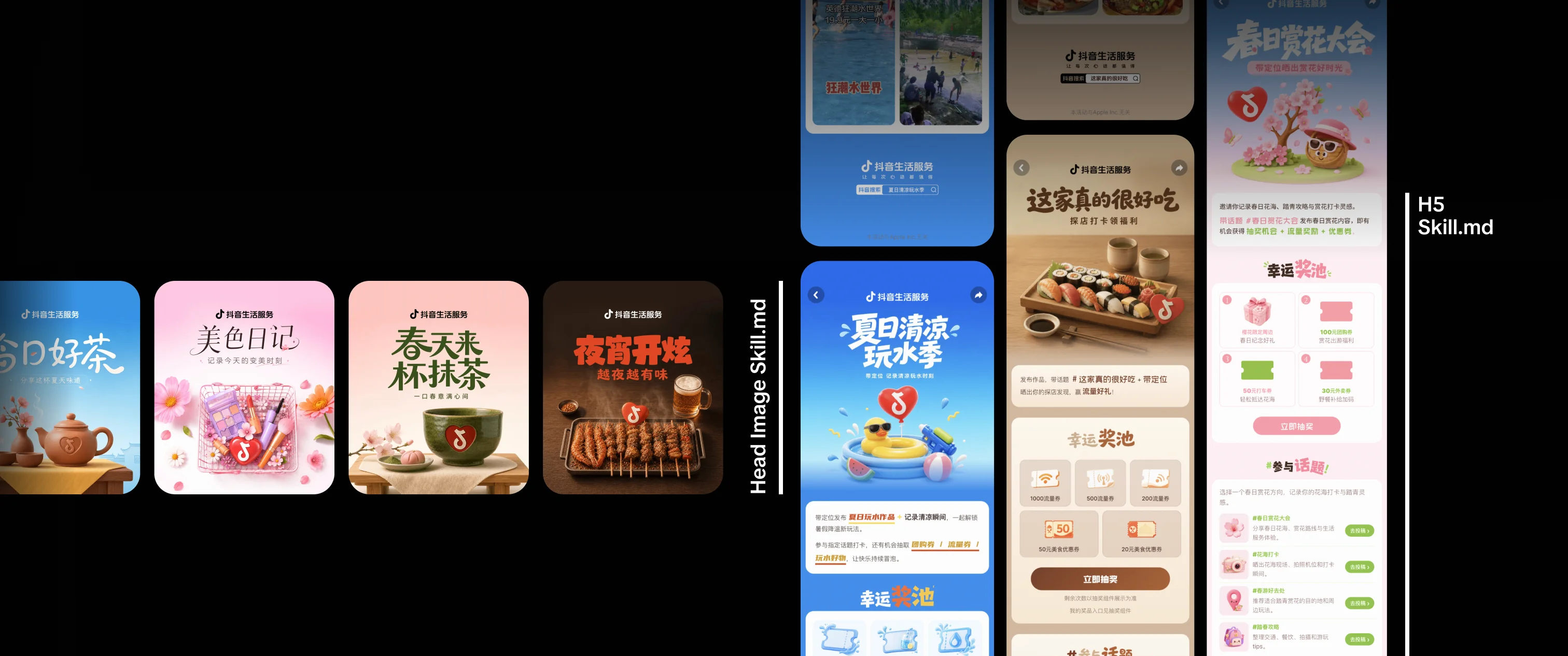
Life Services teams need campaign visuals that feel polished, branded, and ready to use. I designed a two-skill workflow that moves an AI agent from a campaign brief to a key visual and a complete H5 page.
01
Brand Knowledge
Consolidate visual rules, templates, and asset requirements into instructions the agent can follow.
02
Key Visual
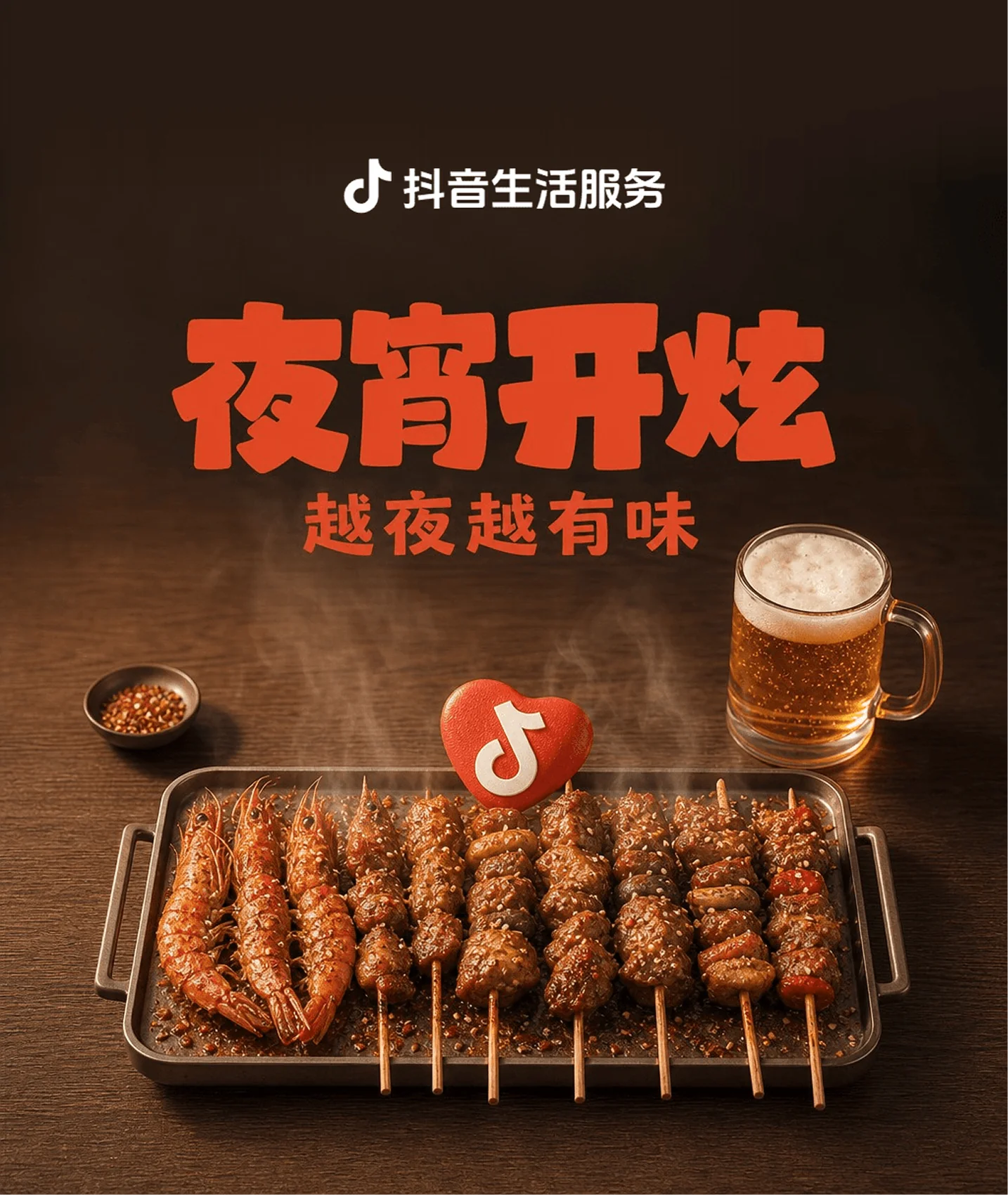
Generate a Life Services-style header image with a clear campaign idea and consistent logo treatment.
03
H5 Experience
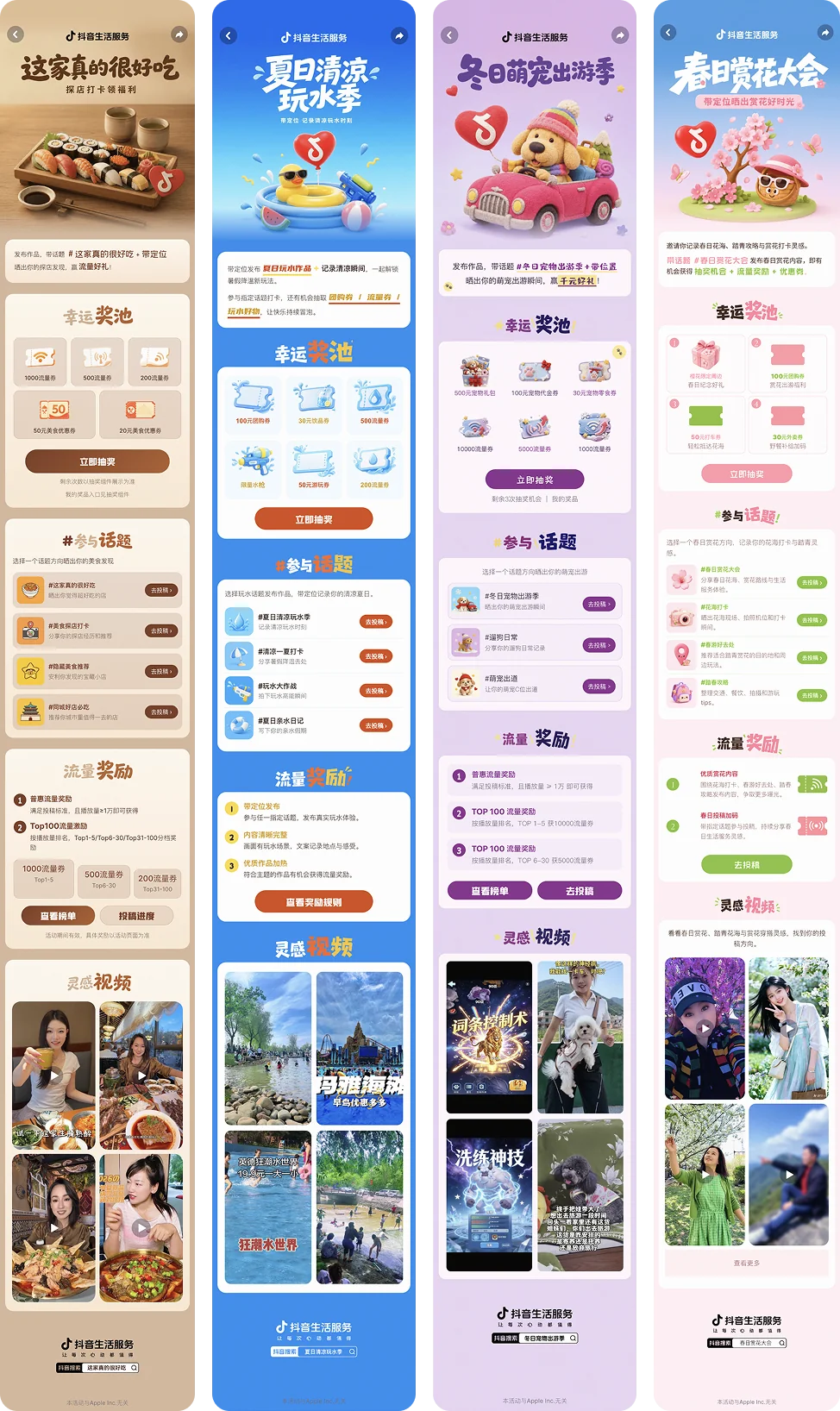
Extend the visual direction into a complete mobile campaign page with the right content modules.
04
Visual QA
Build checks into the workflow so the final output retains hierarchy, clarity, and brand consistency.

How might we help an AI agent create Life Services H5 pages and header images that meet a high visual standard—without making every campaign a manual design task?
Target users:Life Services campaign and operations teams.
PROBLEMS
The agent needed more than a good prompt. It needed a reliable way to make visual and structural decisions that respect a mature brand system.
Brand Expression Was Inconsistent
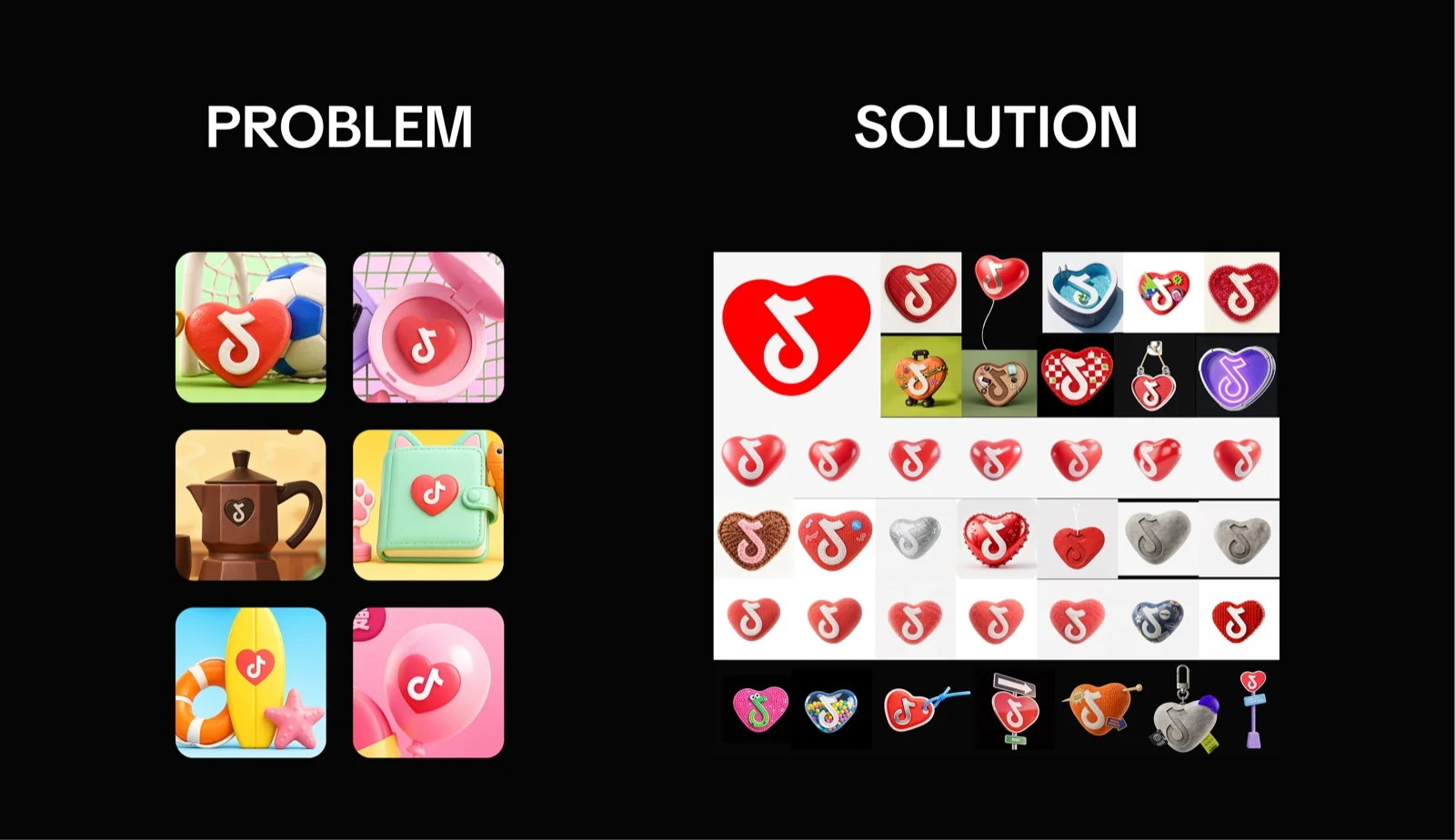
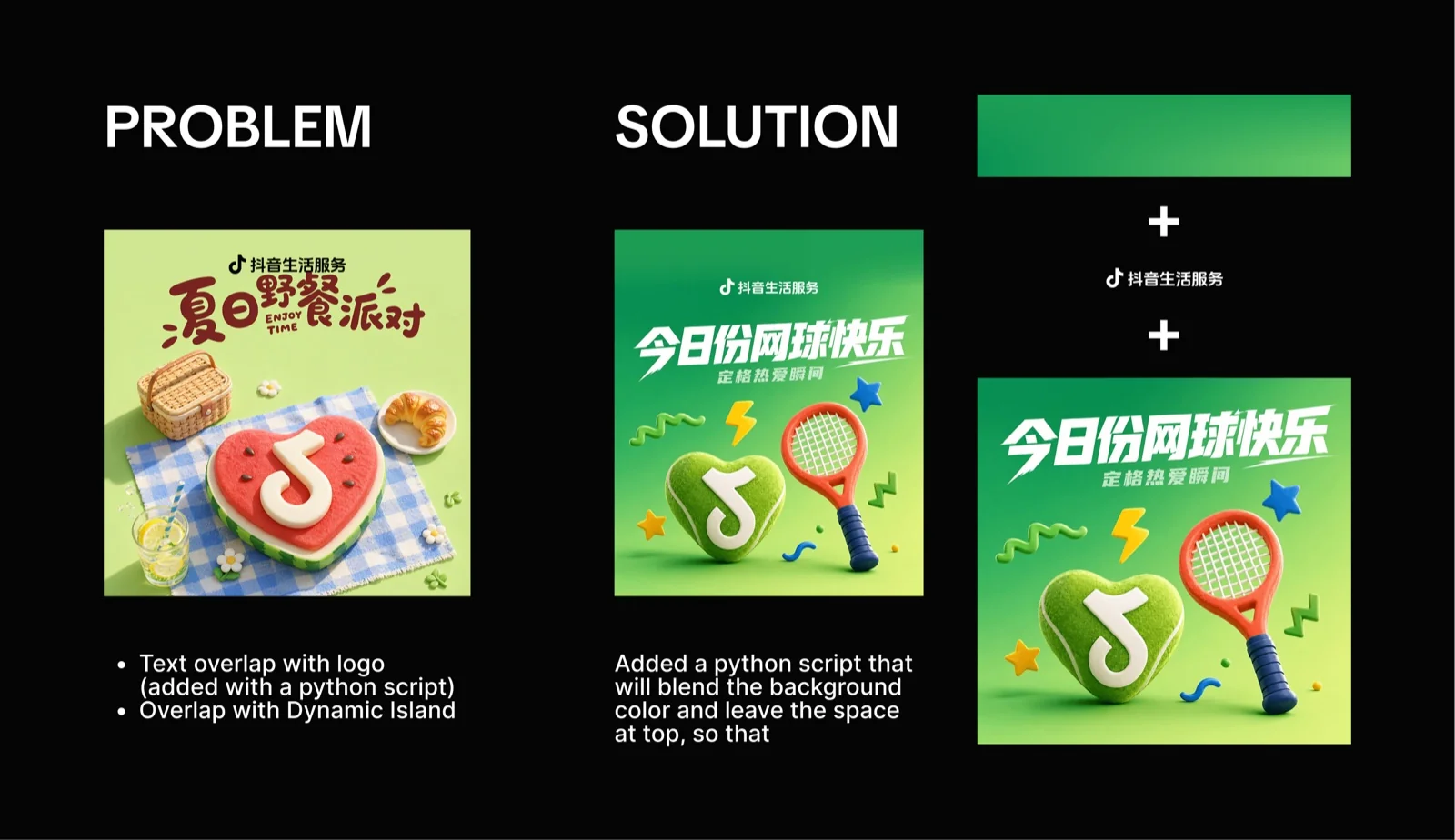
Without concrete rules, output could miss the expected logo placement, visual materials, copy hierarchy, and campaign character.
H5 Pages Lost the Key Visual
A strong header image did not automatically produce a coherent mobile page. Color, typography, modules, and CTAs could drift apart.
Production Knowledge Was Scattered
Templates, page patterns, reference images, and QA rules existed across separate documents instead of one repeatable workflow.
Quality Was Hard to Evaluate
“Make it better” is not an actionable instruction. The agent needed specific completion and compliance checks.
SOLUTION
I created two connected skills. The key visual skill establishes the visual direction; the H5 skill carries it through the complete campaign experience.


Skill 01: Header Image Generation
Creates a ready-to-use Life Services campaign key visual from a campaign theme.
- Structure
- 1. Define the theme
- 2. Select a category template
- 3. Generate title and prompt
- 4. Create the visual and apply the final logo


Skill 02: H5 Page Generation
Uses the approved key visual as a foundation for a complete, responsive H5 campaign page.
- Structure
- 1. Analyze the key visual
- 2. Establish a brand kit
- 3. Select relevant page modules
- 4. Build the page and run visual QA
INTENDED IMPACT
The skills are designed to make high-quality campaign production more accessible and scalable.
Agent Platform Adoption
Give more teams a practical reason to use the agent platform for real campaign production.
Higher Quality Floor
Embed Life Services visual standards directly in the workflow, rather than relying on generic generation.
Faster Campaign Production
Help Life Services teams move efficiently from a campaign idea to B–A level header images and H5 pages.
Metrics will be added when adoption and quality-evaluation data are available.
PROCESS
ANALYZE THE VISUAL LANGUAGE
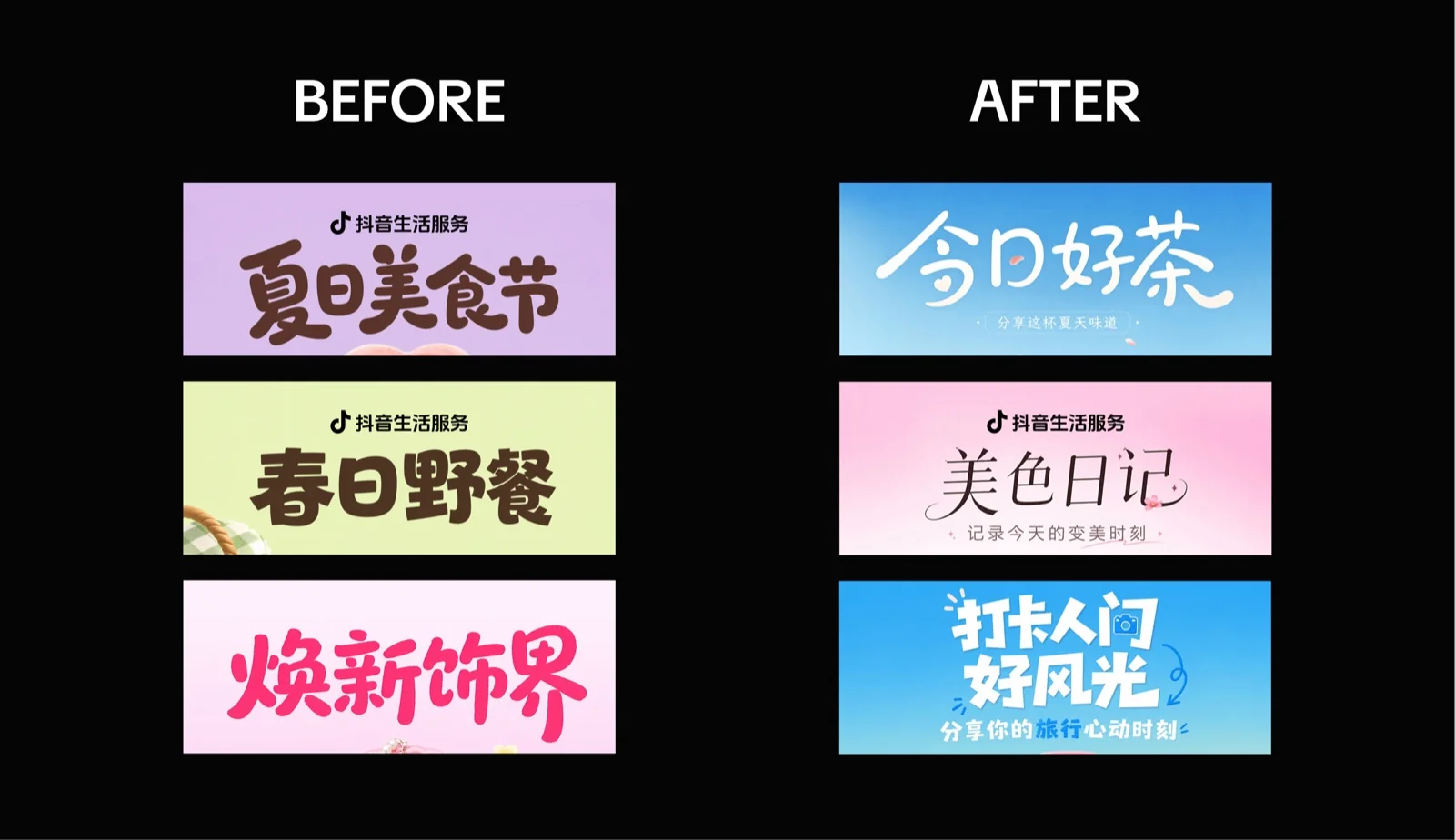
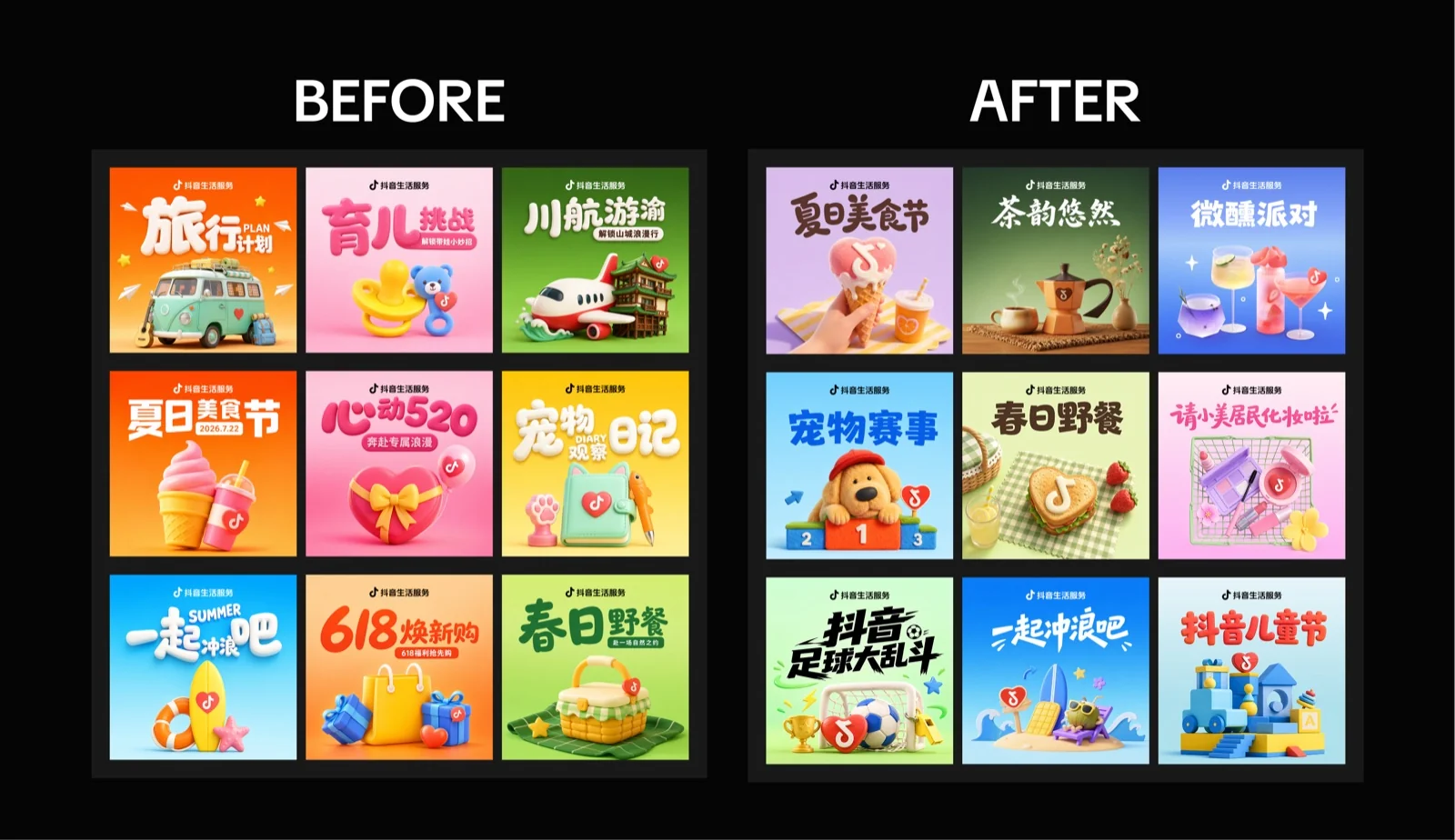
I studied Life Services sample H5 pages and header images to identify recurring brand ingredients: expressive campaign typography, rich 3D objects, clear CTA hierarchy, and a cohesive extension from the header image into the mobile page.


TURN KNOWLEDGE INTO AGENT DECISIONS
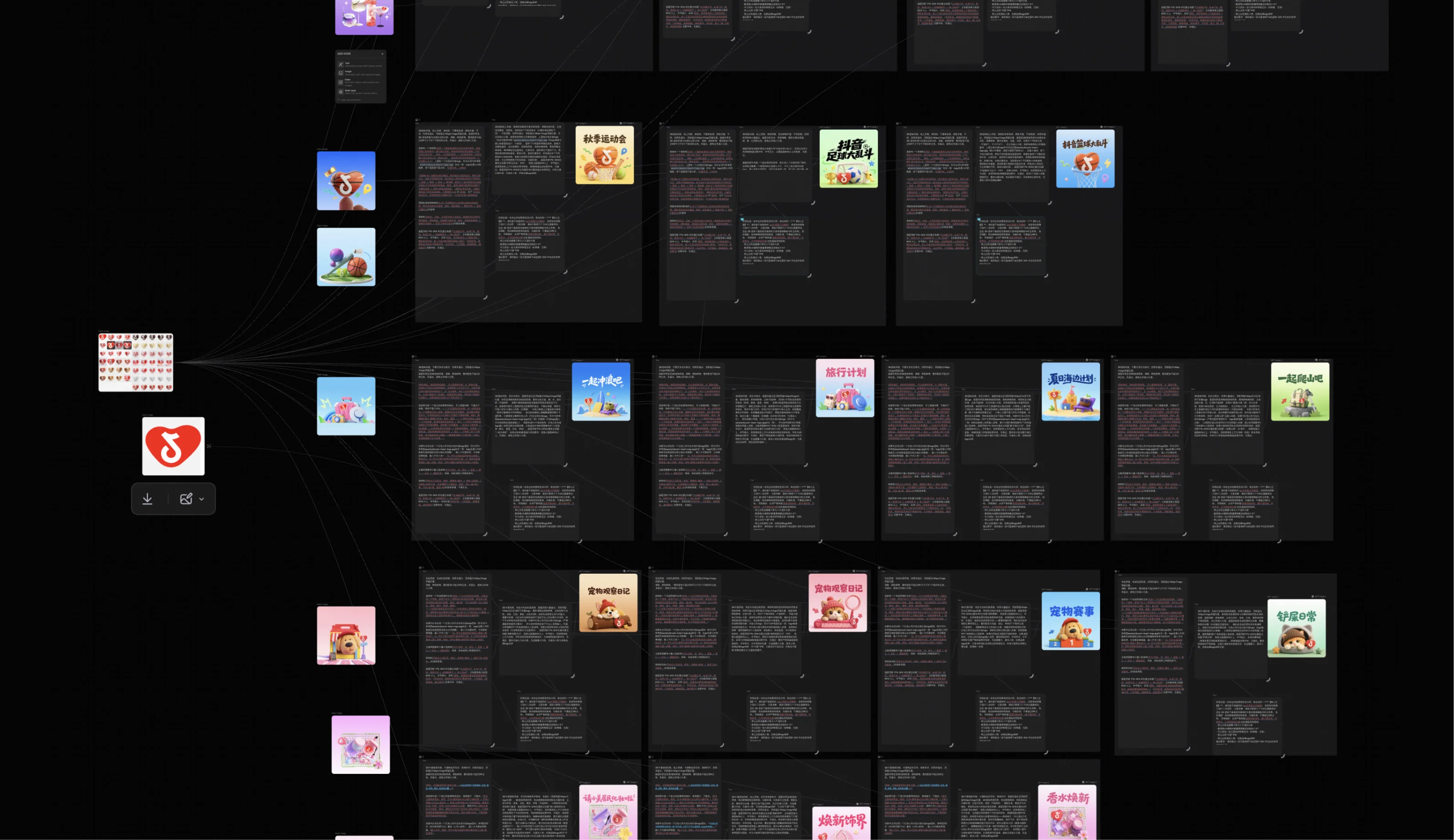
Rather than keeping brand knowledge as general guidance, I structured it as steps, templates, constraints, asset rules, and final quality checks. This gives the agent a path to follow from input to deliverable.
Design decision: The key visual is the single source of truth for the rest of the H5 page.
REFLECTION
Visual quality becomes repeatable only when it is designed as a system.
From Taste to Rules
“Make it look better” cannot guide an agent. References become useful when they are translated into concrete visual, content, and layout constraints.
What Comes Next
The next step is expanding the sample library and validating the workflow with real production requests and measurable quality feedback.